Case study · Local history society
ALLHS Photo Archive
514 photographs from the Abbots Langley Local History Society, in a search tool built with 2003-era software that showed nothing until you typed. We copied every photo page and rebuilt the archive as a fast site with search, a map and a simple editor for volunteers.
See it live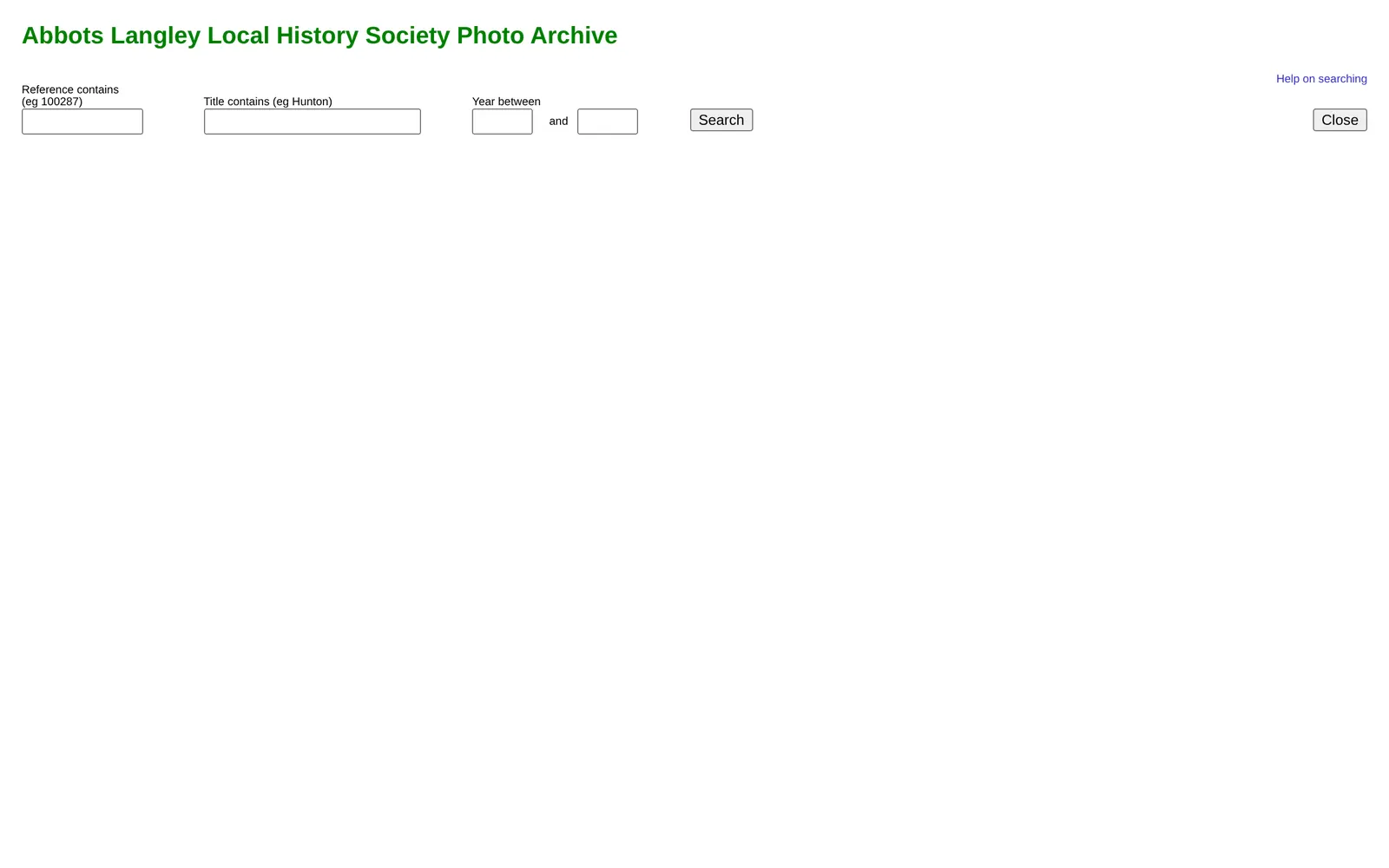
 BeforeAfter
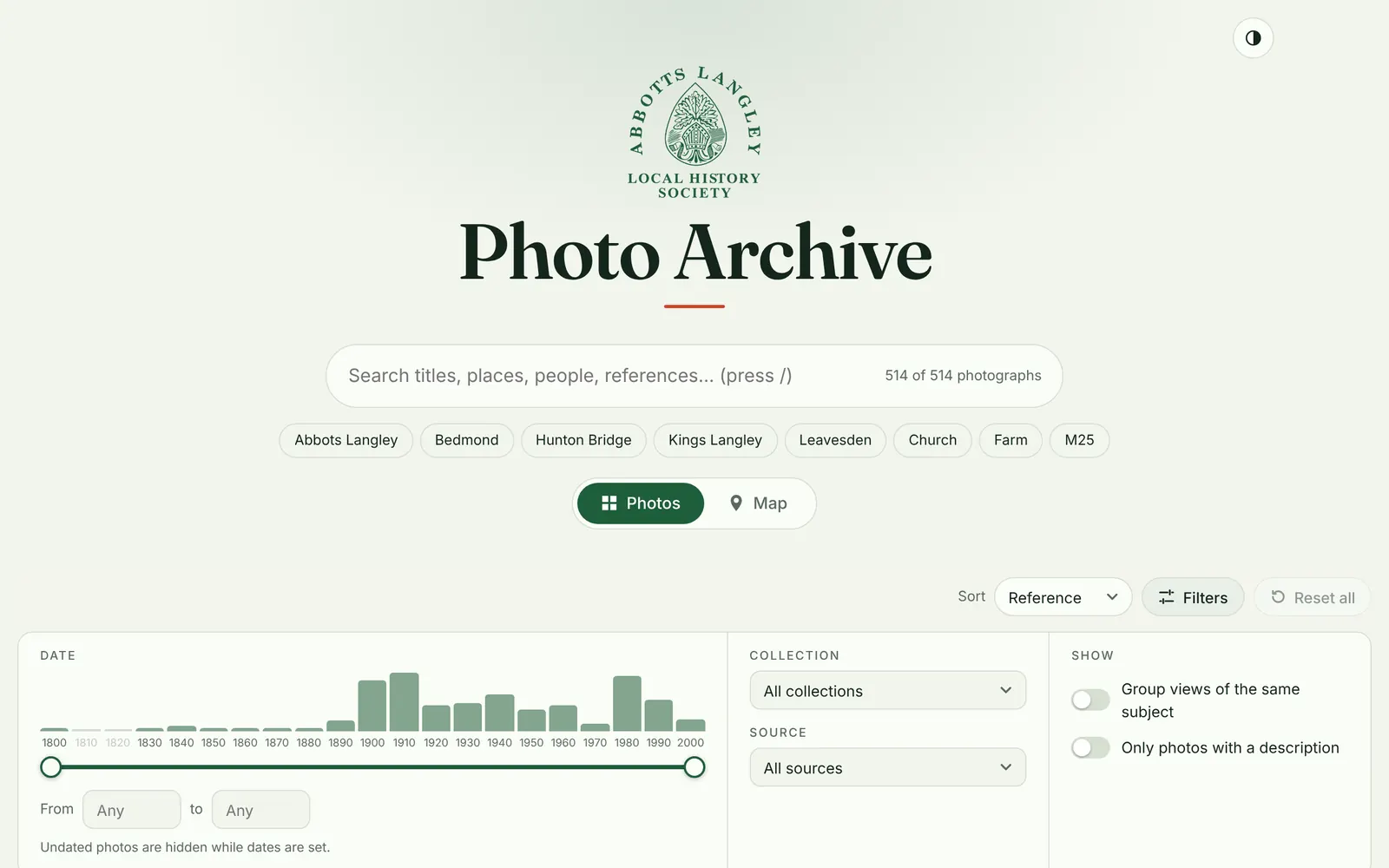
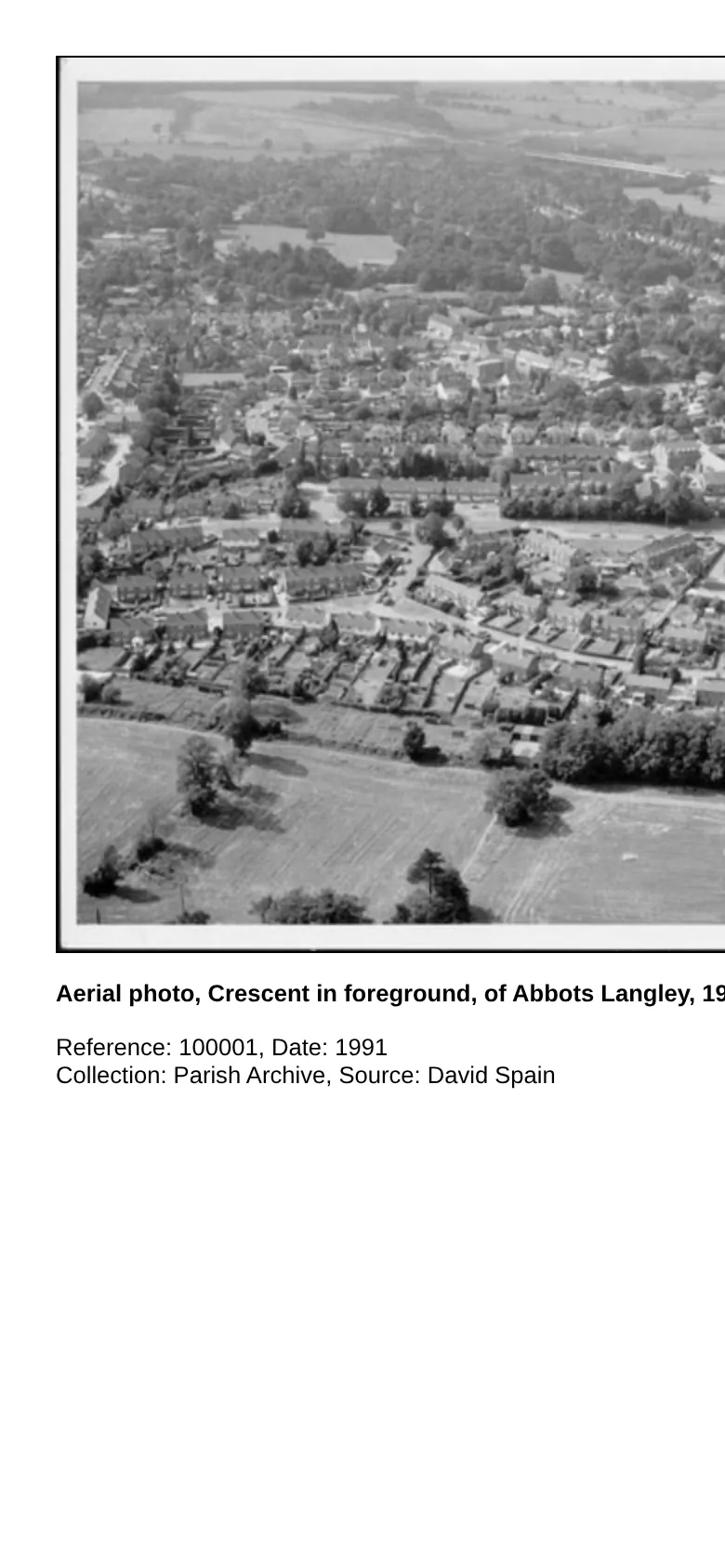
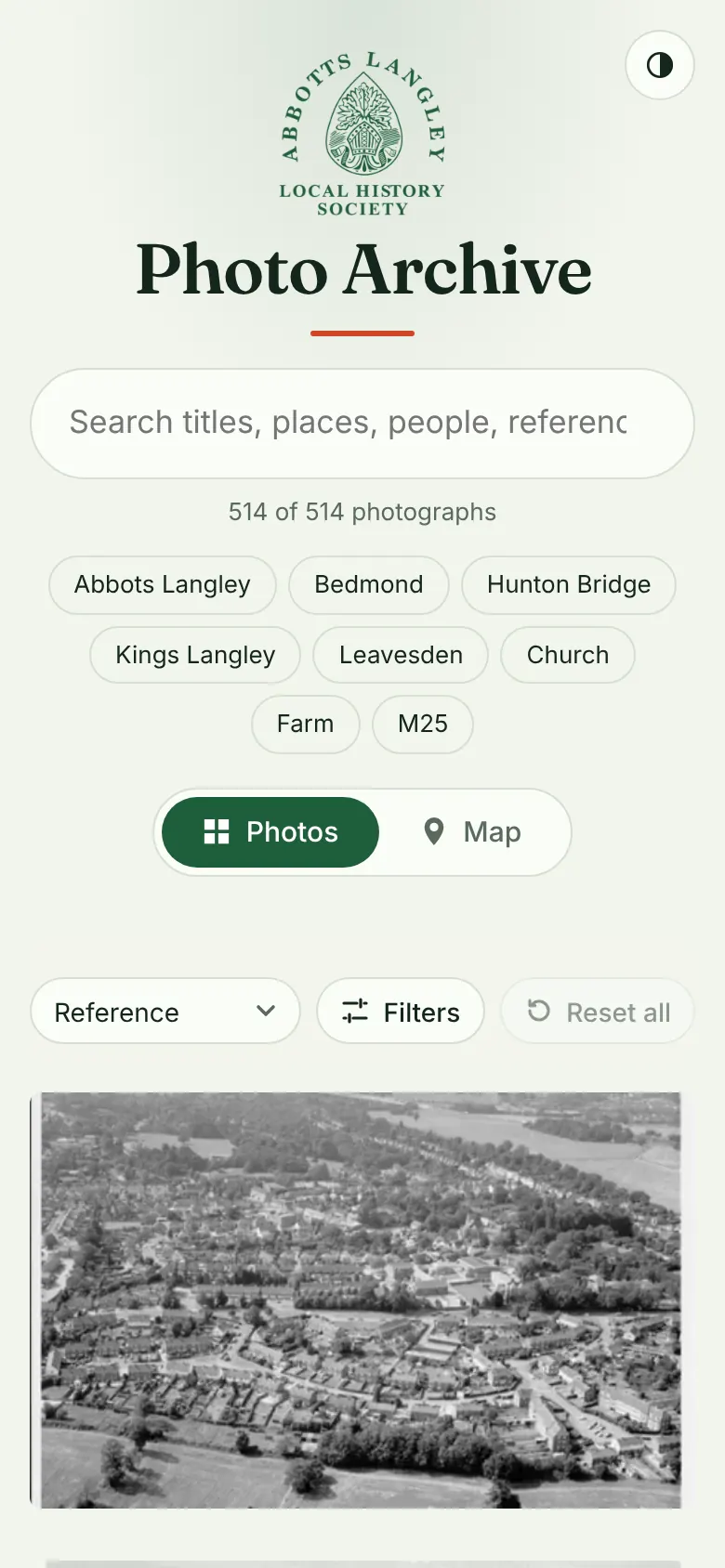
The original shows nothing until you type a reference, a title word or a year. The respin opens with all 514 photographs below the filters.
 BeforeAfter
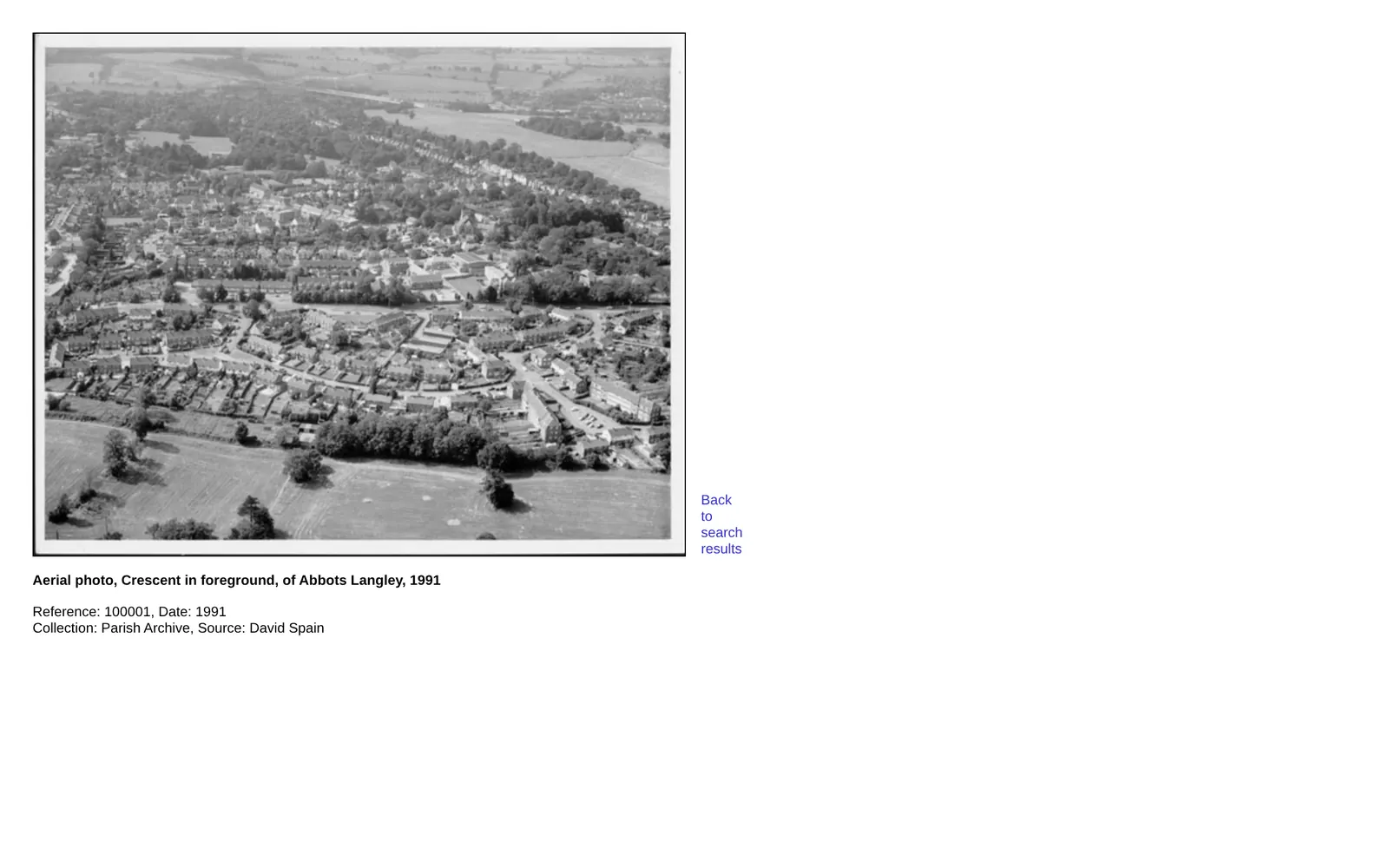
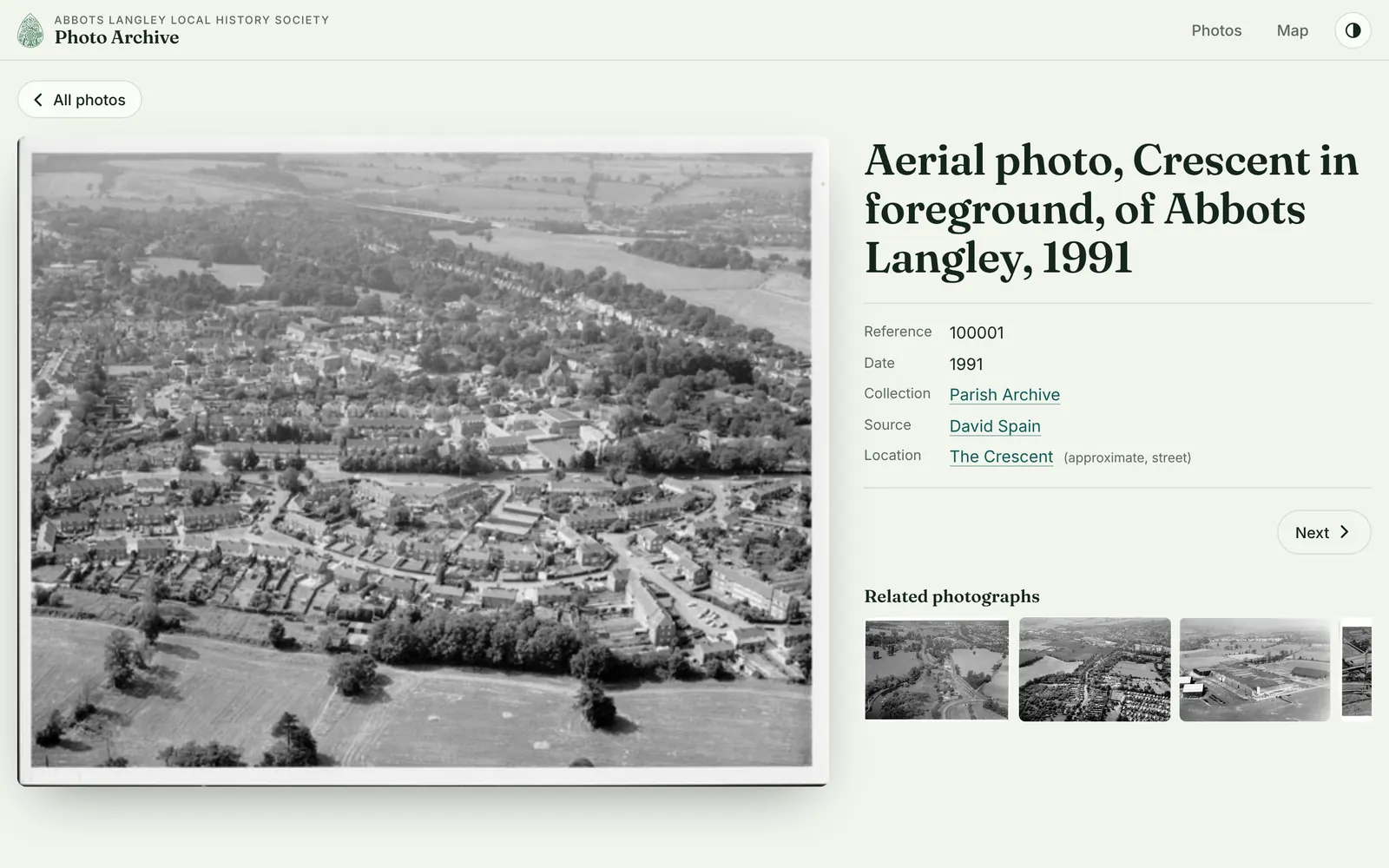
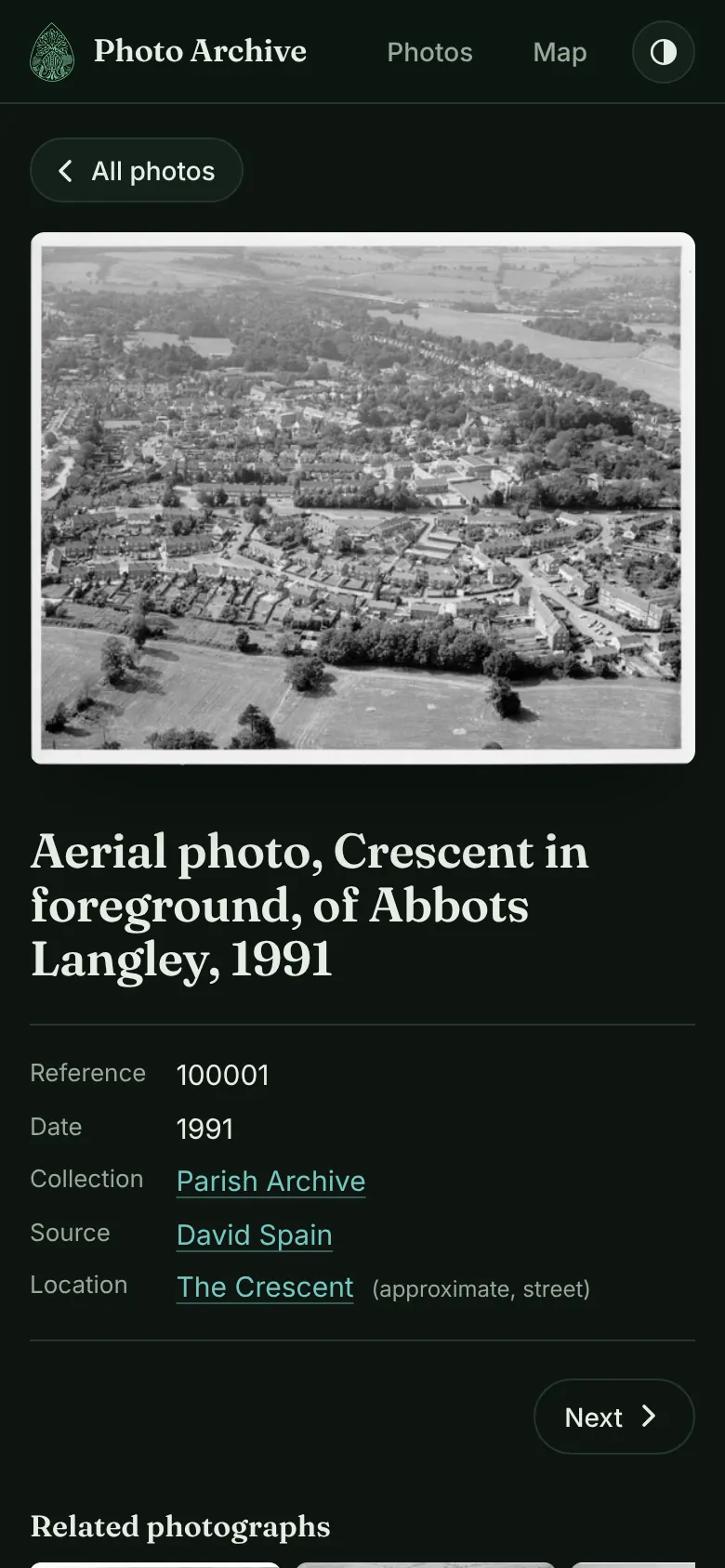
Collection, source and place are now links that filter the archive. Related photographs sit beside each picture.
 LightDark
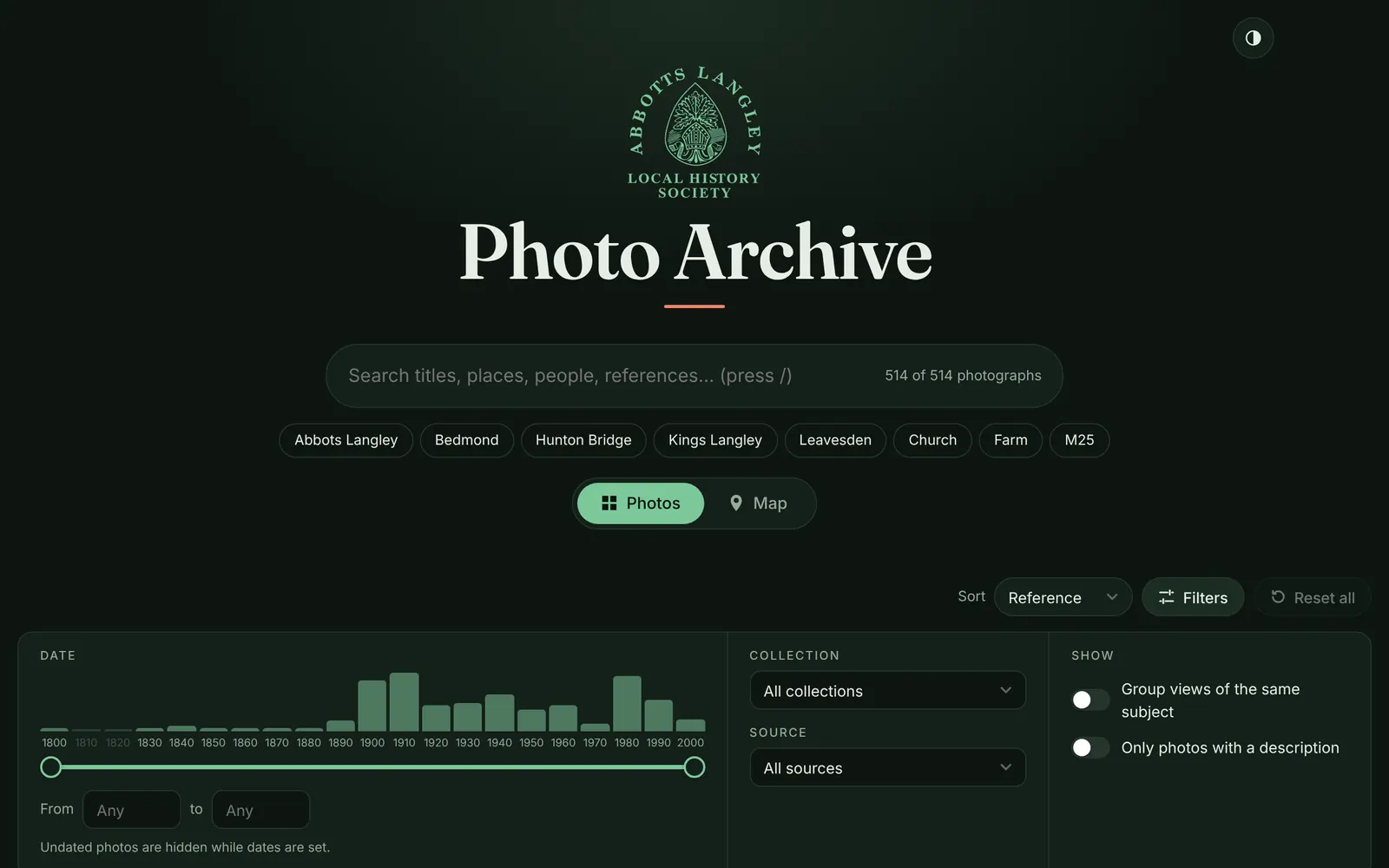
A modern take on the society's green, in both themes.
| Compared | Before | After |
|---|---|---|
| Browser warning | “Not secure” on every page | None: every page has a secure connection |
| First thing you see | An empty search form | All 514 photographs, with ways to narrow them down |
| Searching | By reference number, words in the title or years | By title, place, person or reference, and by decade, collection or source |
| Sharing a search | Not possible | Copy the address: it keeps the search and filters |
| A photo page on a phone | Almost twice as wide as the screen | Fits the screen |
| Finding by place | Not possible | A map of 430 photos, each pin saying how exact its place is |
| Similar photos | None | Up to 8 on each photo page |
| Speed on a phone | 100, 99 | 83, 98. The old start page was only an empty form, so it loaded quickly. The new one shows all 514 photographs straight away. |
| Easy to use for everyone | 73, 69 | 100, 100 |
| Built to current standards | 70, 67 | 100, 100 |
| Ready for search engines | 90, 82 | 100, 100 |
Scores are out of 100, from Google’s Lighthouse test as if on a mid-range phone with a slow mobile connection: the middle result of three tests, run on 14 Oct 2026. Each pair is the start page, then the page for photo 100001.
Demo 1 · How we moved the photographs
From a search form to a page for every photo
Select a stage to see what it did. All numbers come from the real build.
Demo 2 · Search and dates
Every photo, filtered by word and by decade
This demo uses the real catalogue of 514 photographs. Type a word, or select a decade bar. The live site adds collection, source and place filters, and keeps each search in the address.
Loading the catalogue…
Demo 3 · Honest locations
Every pin says how sure it is
Most locations come from place names in the photo titles, so many are approximate. Each pin says how exact it is: a building, a street or just an area. A photo located only to "Abbots Langley" stays off the map, because a pin in the village centre would be wrong. These are the real pins, on a street map of the village.
Demo 4 · Volunteer editing
Every edit is recorded, and any edit can be undone
Volunteers sign in to a small editor. Each save is recorded under the volunteer’s name, and the site updates itself about two minutes later.
For the technically curious
A save writes one commit to the archive’s Git repository, with the volunteer as author. GitHub Actions runs the tests, places the photos offline and rebuilds the pages, then wrangler deploy publishes them. Undo is a revert on GitHub.
Press the button to follow one volunteer edit to the live site.
The steps follow the real workflow. The times are typical, not measured for this demo.
Running cost
Free to run, with one known limit
Ready-made pages
Every photo has its own page, prepared in advance. Serving them costs nothing, however many visitors come.
Nothing running for visitors
The only moving part is the editor, and it runs only when a volunteer uses it.
History for free
Every change is kept as a dated version, so there is no database to pay for or back up.
One limit
The full-resolution scans are too large for this kind of hosting. Putting them online needs Cloudflare’s R2 storage, which asks for a payment card on the account, even within its free allowance.